WHBS Center
The Main tasks achieved in this project consists in :
- Building a fully responsive and mobile friendly website using WordPress themes/plugins development, Html, Css, Javascript, Jquery, Bootstrap and Sql.
- The website has to offer the following services:
- It allows students to subscribe to the current scholar year and to connect with their identifiers and passwords
- It allows an administrator to manage the whole activity of the center starting with user roles which are “Administrator”, “Assistant”, “Teacher” and “Student’
- For each user role the website proposes its respective menu:
- Assistant => (Profile, Payment entry, Recipe recap)
- Teacher => (Profile, Presence sheet, Session planning)
- Student => (Profile, Group selection, Student Dashboard)
- Administrator => (Profile, Administration)
- The Administration interface is the heart of the center
- It allows to manage the Information System of the center which consists in:
- The scholar years
- The scholar levels
- The users (Administrators, Assistants, Teachers and Students)
- The user roles
- The courses
- The groups
- The sessions
- The presence of students
- The payments of students
- etc.
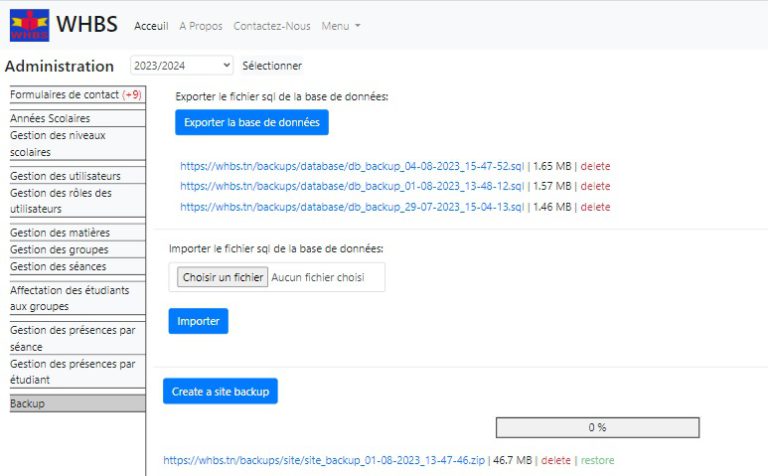
- It proposes a page at the front-end that allows the backup and restoration of the database and the files of the website.
The following is preview of the most important functionalities :
- It allows students to subscribe to the current scholar year and to connect with their identifiers and passwords
- It allows an administrator to manage the whole activity of the center starting with user roles which are “Administrator”, “Assistant”, “Teacher” and “Student’
- For each user role the website proposes its respective menu:
- Assistant => (Profile, Payment entry, Recipe recap)
- Teacher => (Profile, Presence sheet, Session planning)
- Student => (Profile, Group selection, Student Dashboard)
- Administrator => (Profile, Administration)
- The Administration interface is the heart of the center
- It allows to manage the Information System of the center which consists in:
- The scholar years
- The scholar levels
- The users (Administrators, Assistants, Teachers and Students)
- The user roles
- The courses
- The groups
- The sessions
- The presence of students
- The payments of students
- etc.
- It proposes a page at the front-end that allows the backup and restoration of the database and the files of the website.
- It allows to manage the Information System of the center which consists in:
1- Building the welcome page which contains three sections
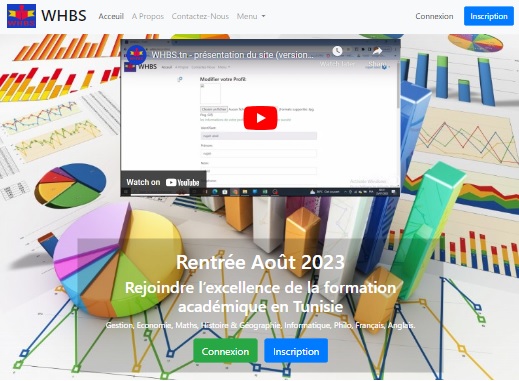
Section 1/3: Connection & subscription section
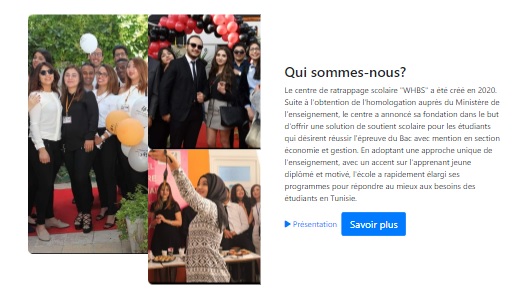
Section 2/3: The training center introduction section
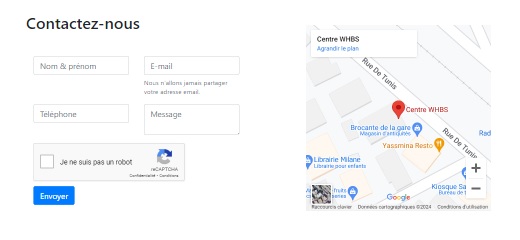
Section 3/3: Contact form section
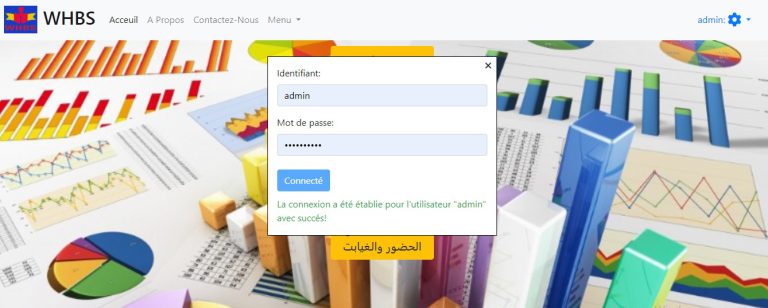
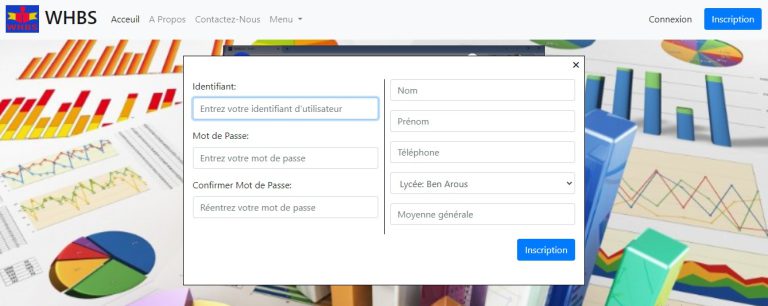
2- Developing the connection and subscription processes:
– Connection window
– Subscription window
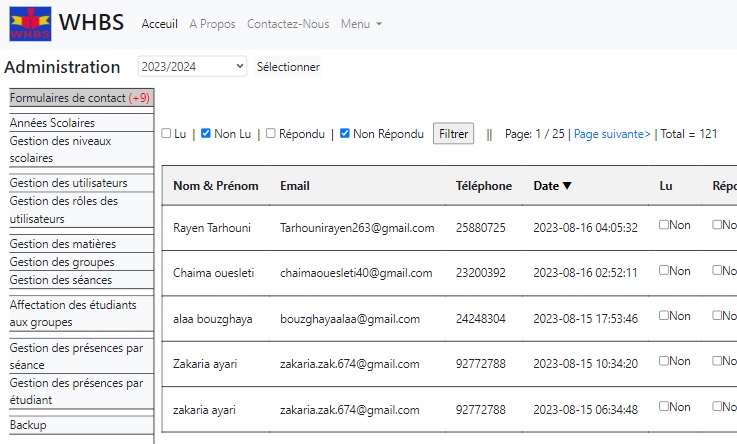
3– Developing the page that allow managing the sent contact forms in the administration interface
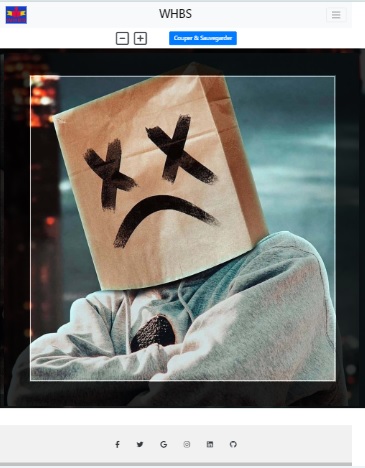
4- Developing the process to send and crop a user photo in the user profile page
4.1- The following preview represents the user profile page that contains the form that allows to select a photo in the local machine and send it to the server for visualisation in the cropping page
The supported image formats are: Jpg, Png and Gif: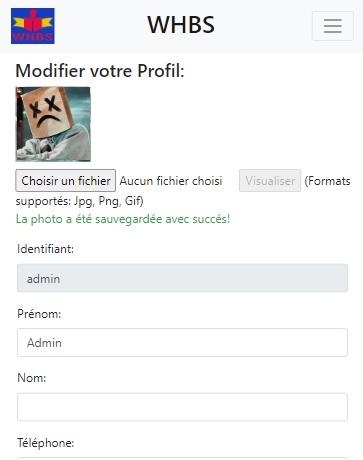
4.2- The following is a preview of the cropping page:
5- Developing a backup page in the administration interface that allows to backup and restore the database as well as the website files: